Prepare
Set the date, time and court preference before availability opens.

Booking automation · web software · native iOS app
Product strategy · web software · native iOS · automated booking
Originally developed for Brentwood Padel, QuickCourt gives players a way to prepare their preferred court, date and time before a release window. The system then watches the right moment and works through the chosen options.
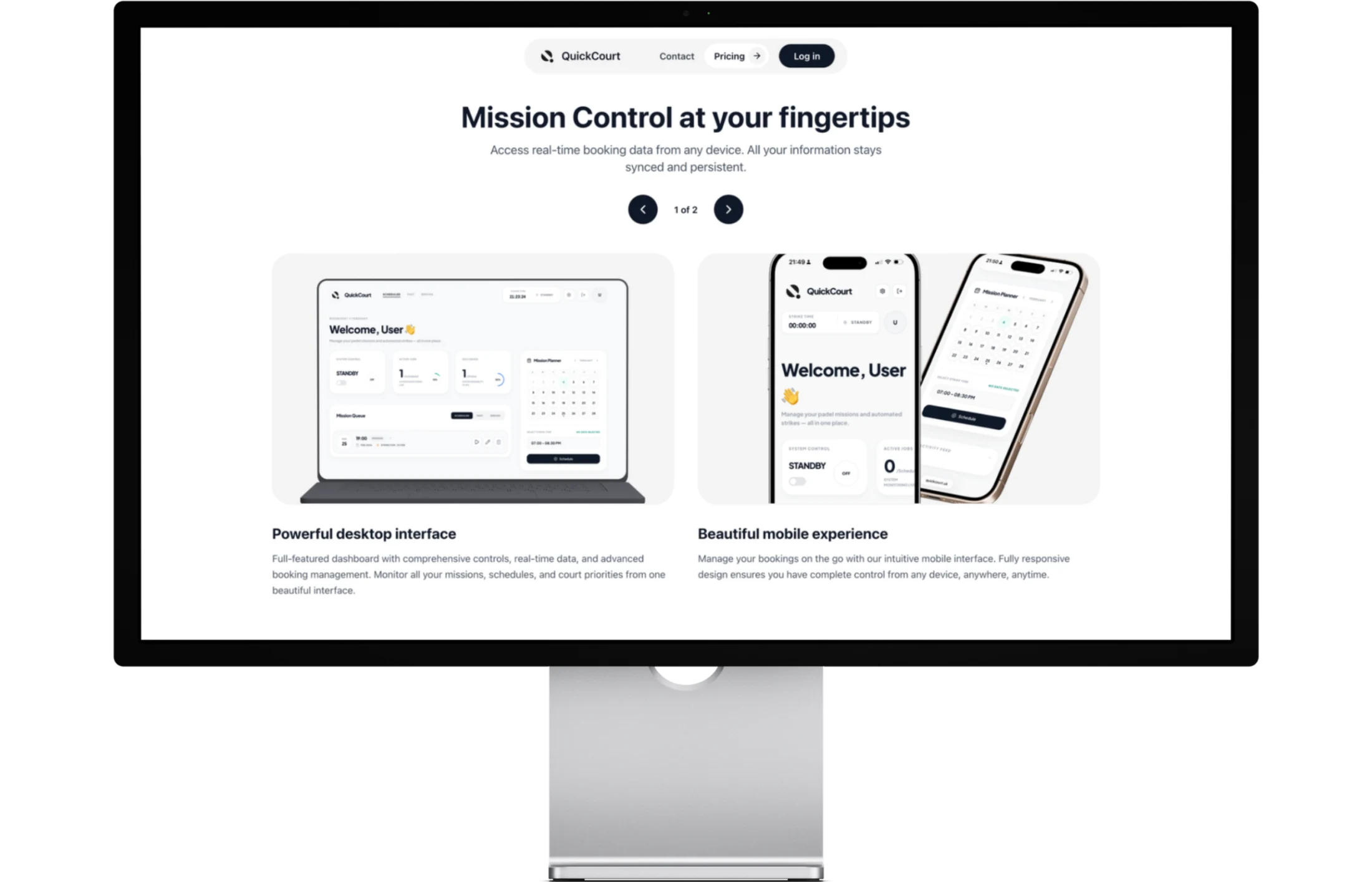
The result is a connected product: a public website that explains the service, Mission Control on desktop for detailed setup and visibility, and an unreleased native iPhone app that puts the same account and missions in a pocket.
01
Missions · queue · strike time · live status
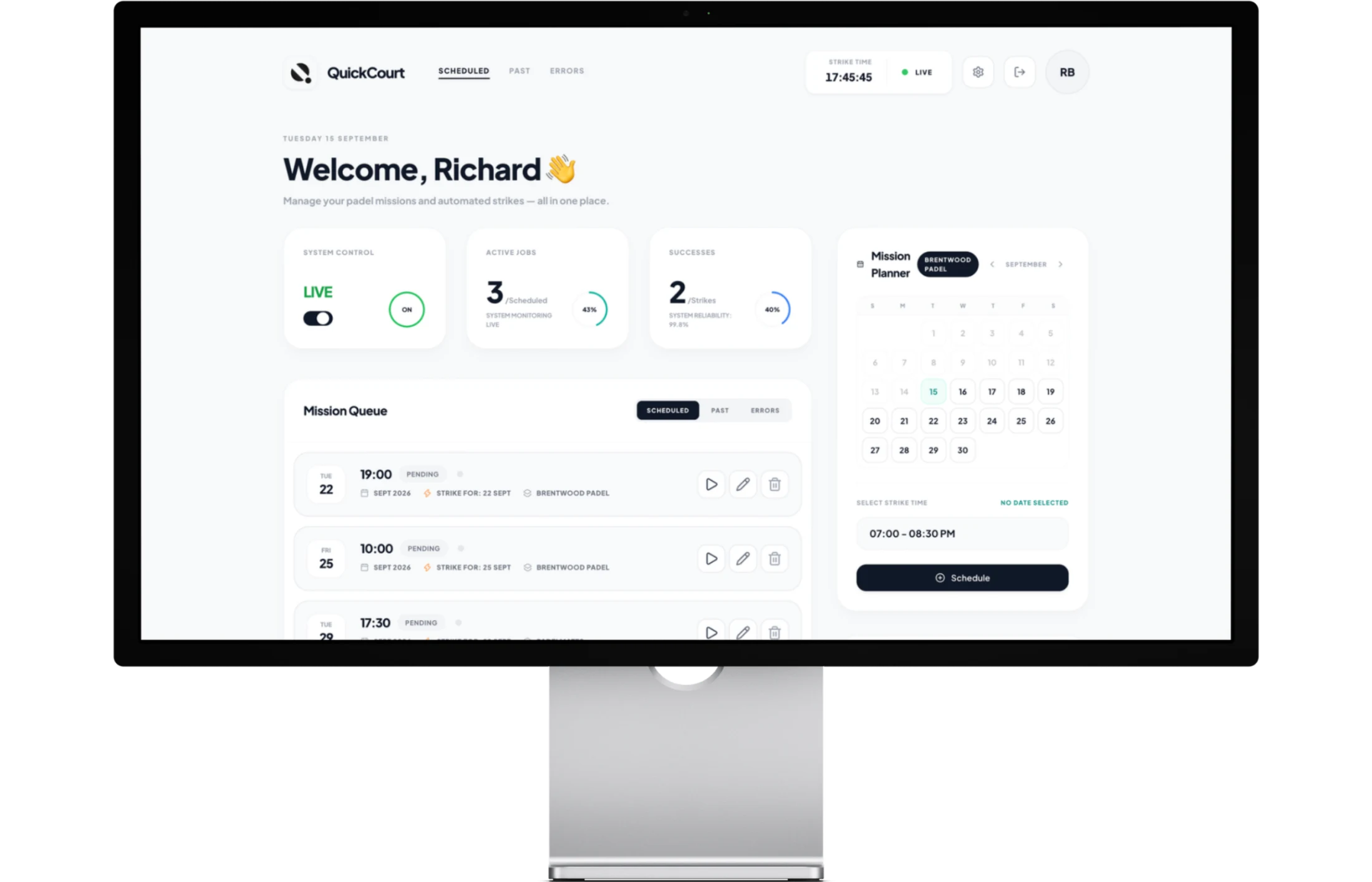
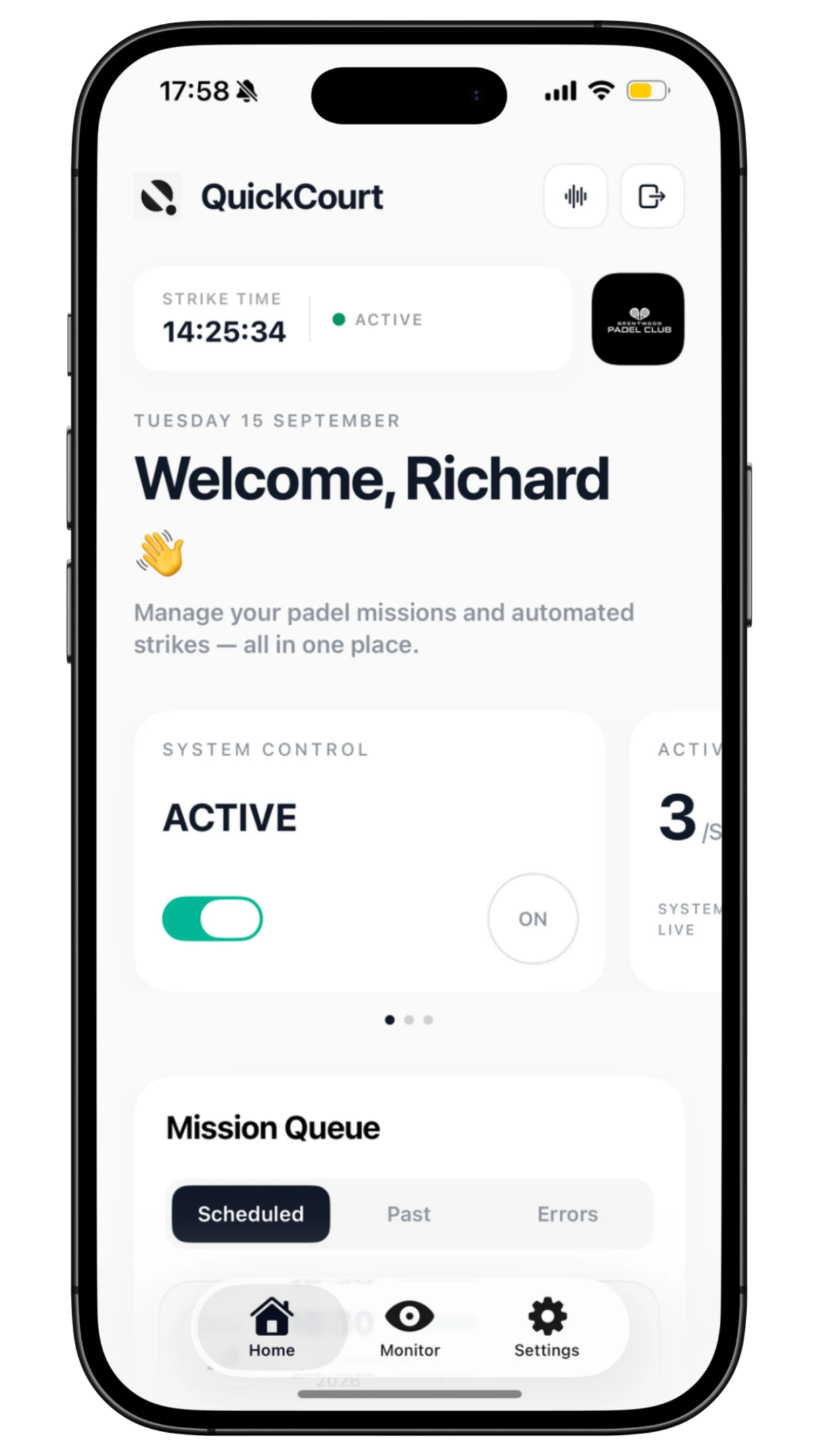
The central dashboard is intentionally compact. It shows scheduled missions, previous attempts, system status, strike time and the booking planner in one practical workspace.
A person can prepare multiple booking missions in advance, then see what is queued, underway or complete without moving through a maze of separate pages.
02
Activity · cancellations · confirmed outcomes
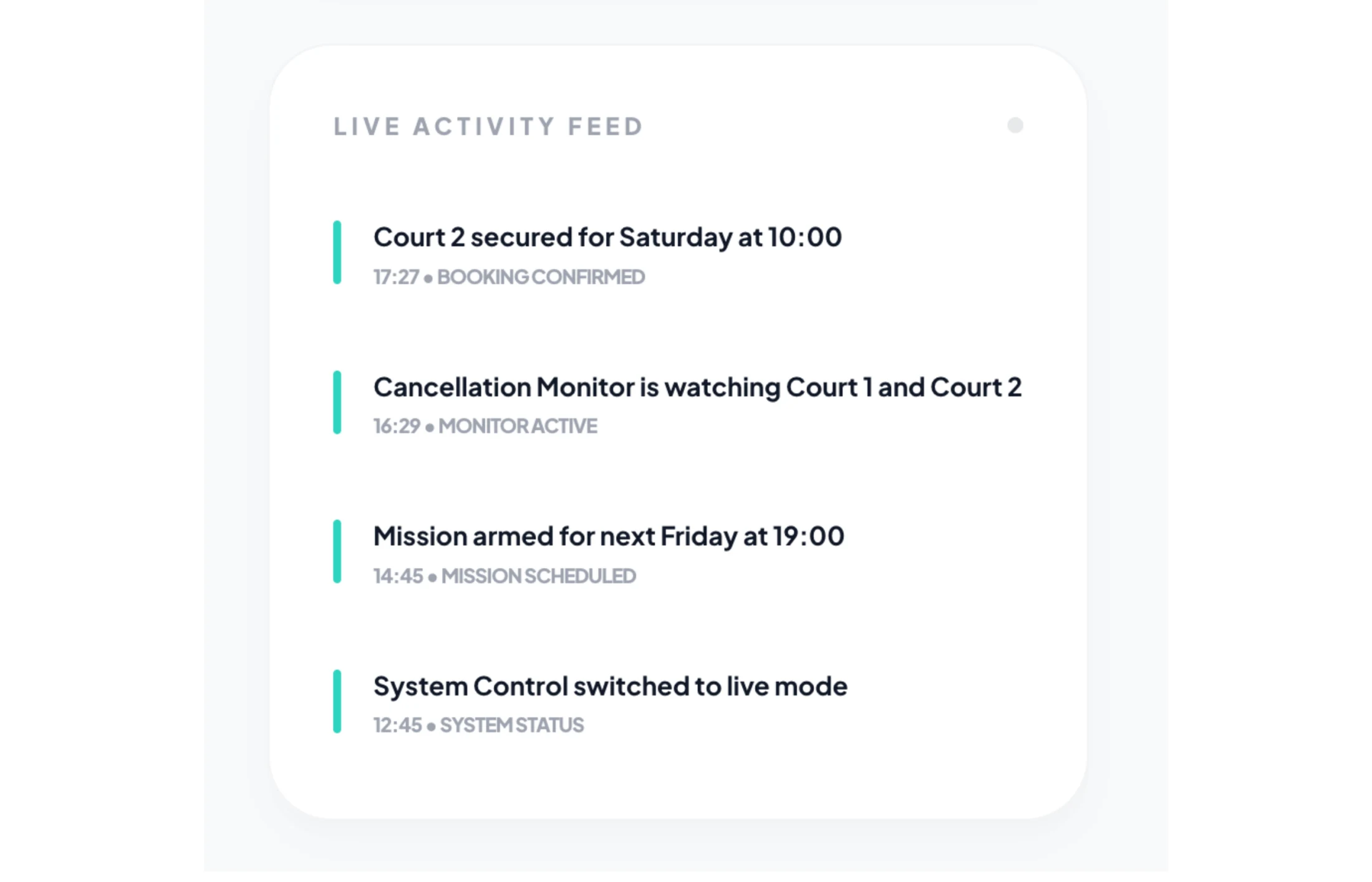
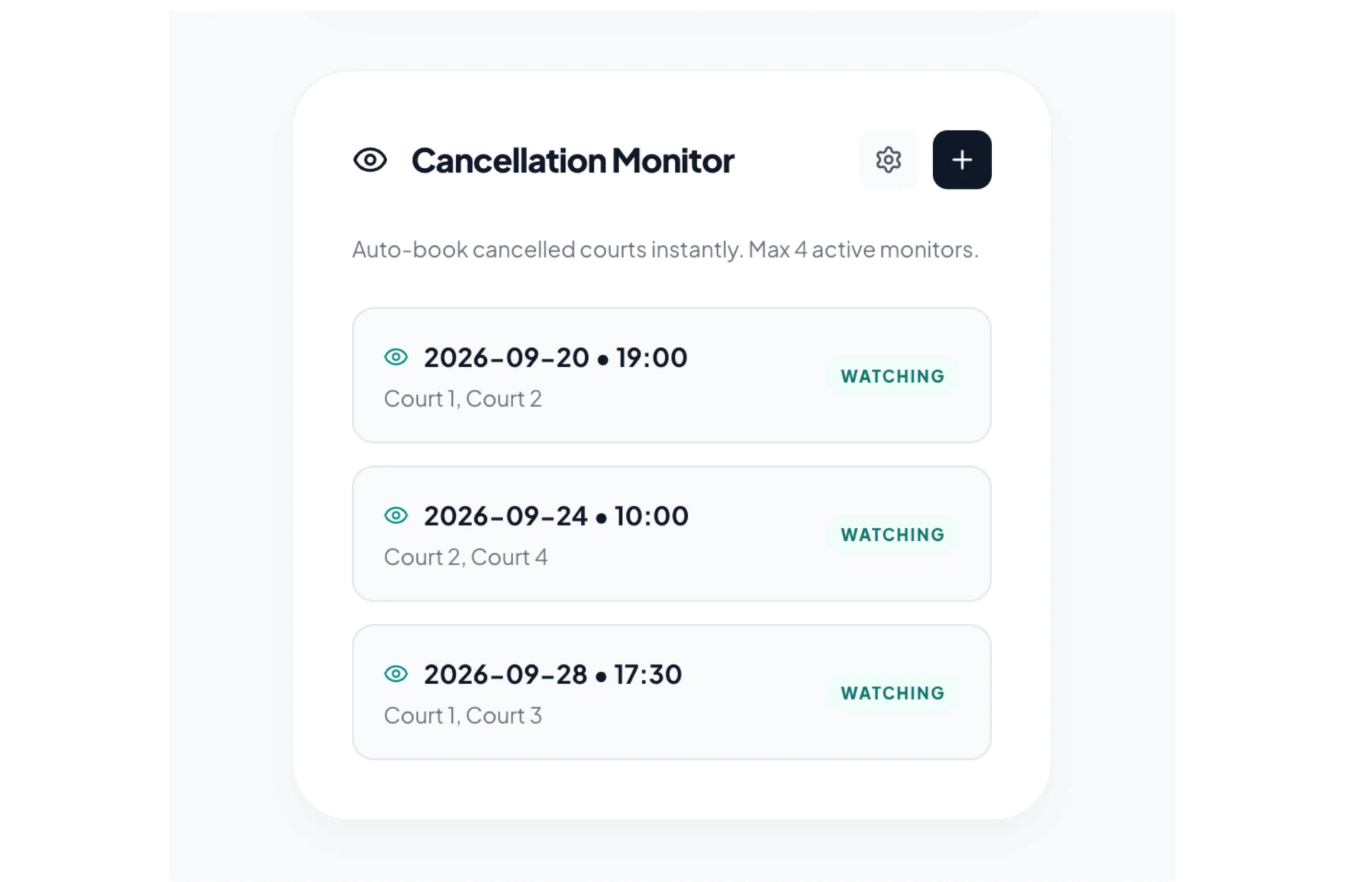
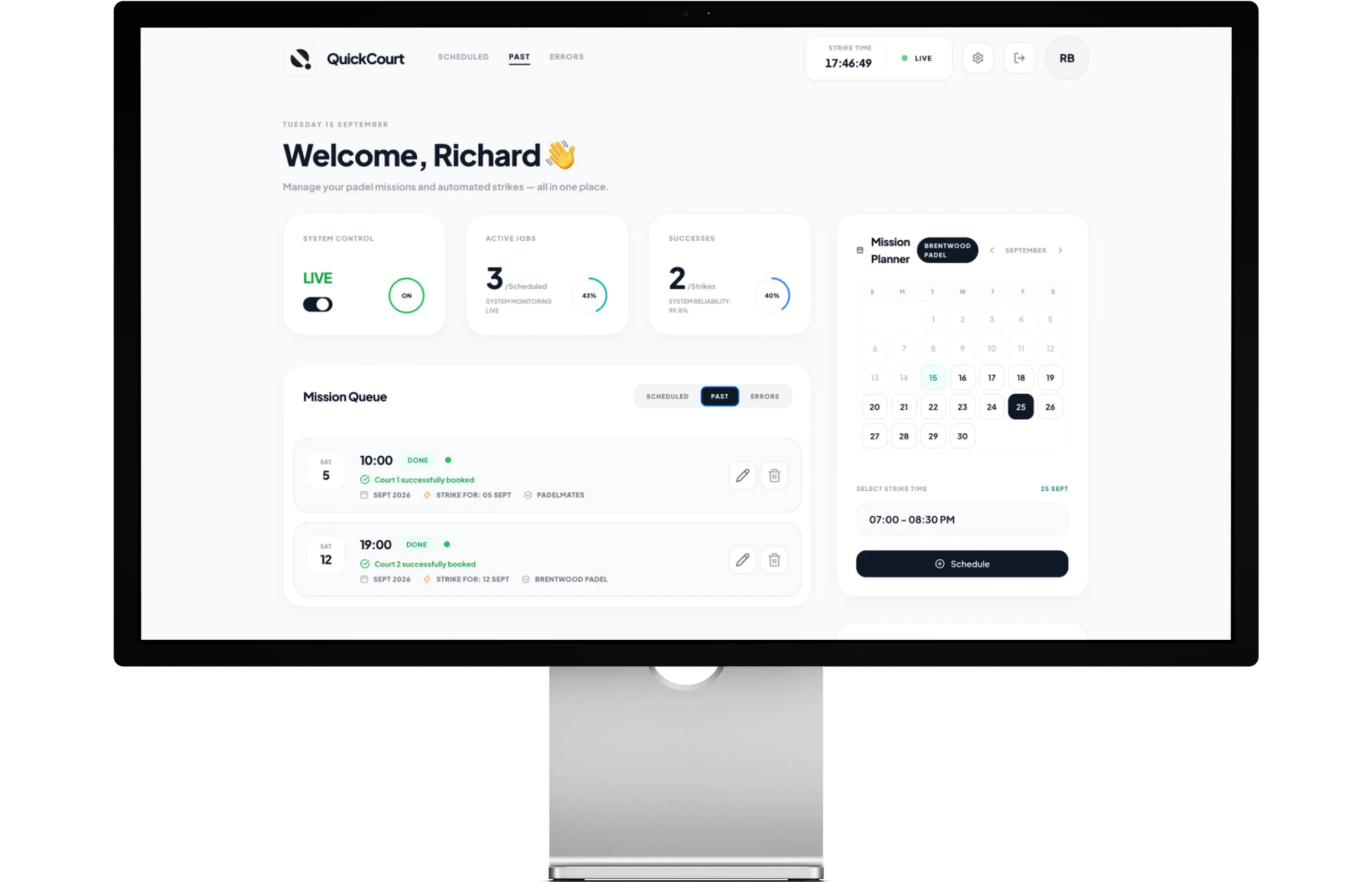
A live activity feed makes every meaningful event legible: a mission is armed, a monitor starts watching or a court is secured. Successful missions remain visible as a record of the outcome.
Cancellation Monitor gives a useful second route into a busy venue. It watches unavailable dates for suitable openings, respects the chosen notice period and can act when the right court becomes available.
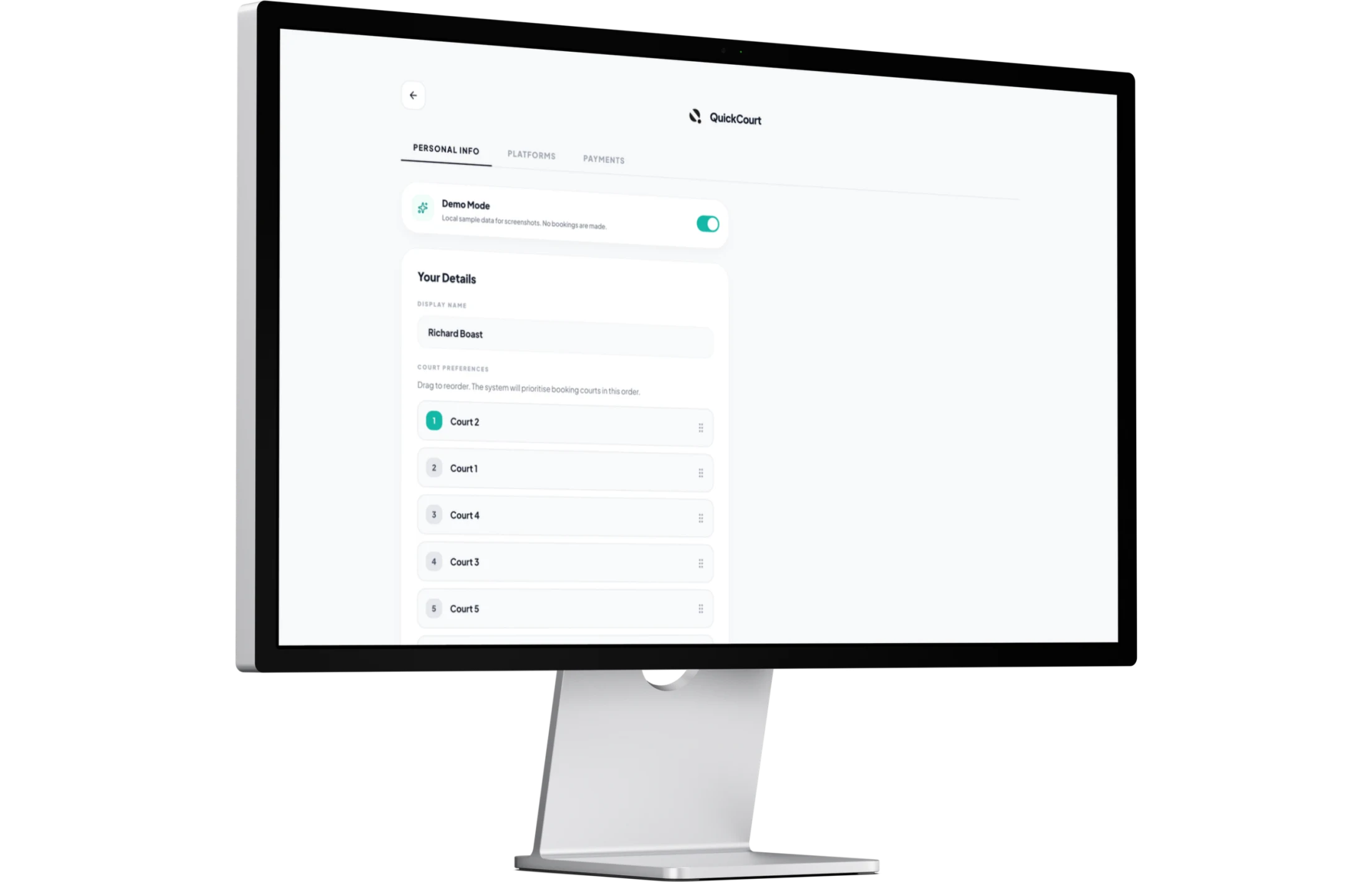
Settings bring platform access, account choices and system controls into one place. The product distinguishes between a safe test state and a live armed state, so automated actions are intentional rather than opaque.
03
SwiftUI · shared account · missions on the move
The unreleased iOS app is built in SwiftUI and connects to the same account, booking missions, monitoring and history as Mission Control. It gives people a fast way to check a system, set up a mission or make a change away from the desk.
There is no separate mobile website gallery here because the responsive product and the app solve the same job. The native app is the mobile experience worth showing.
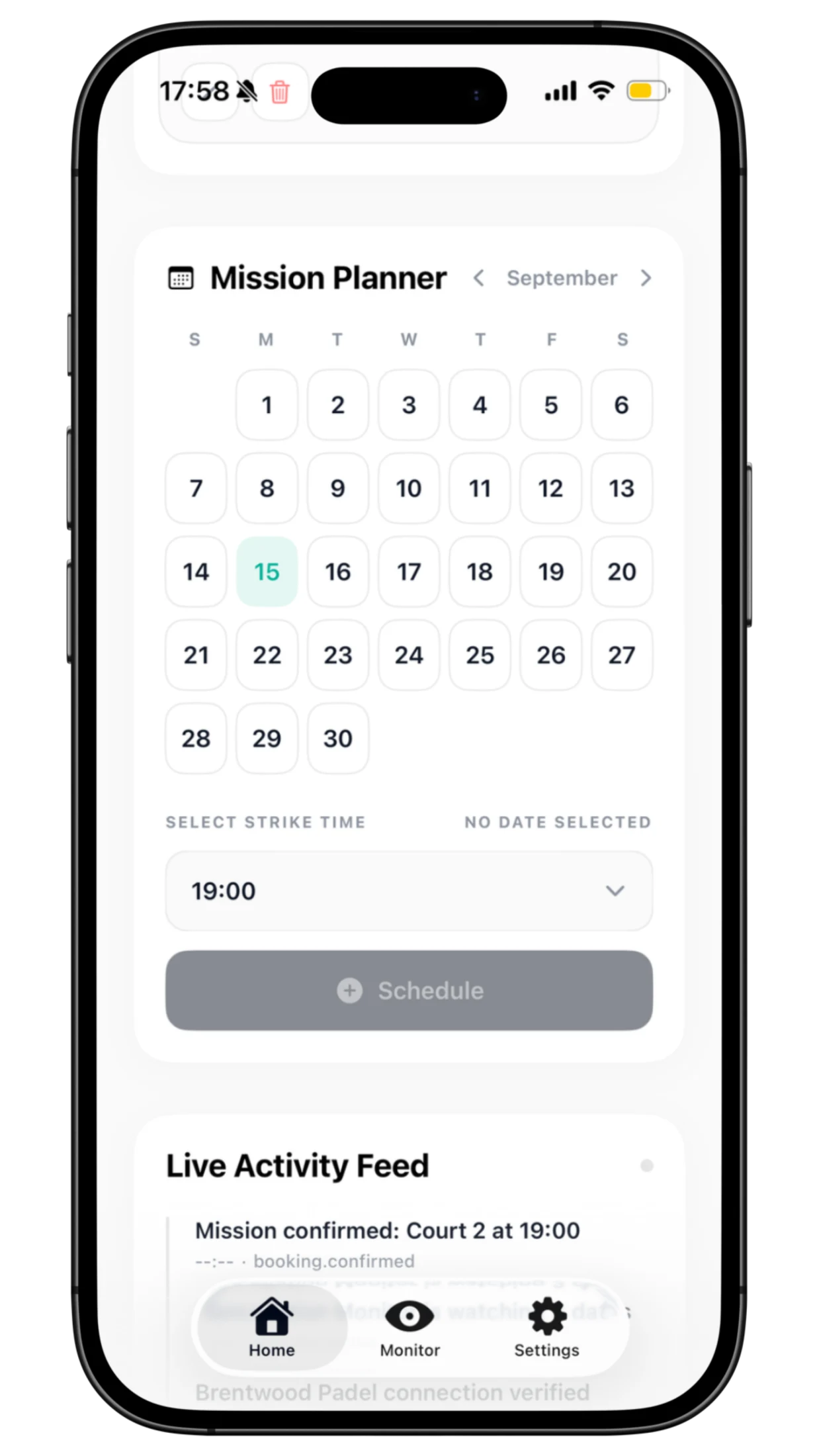
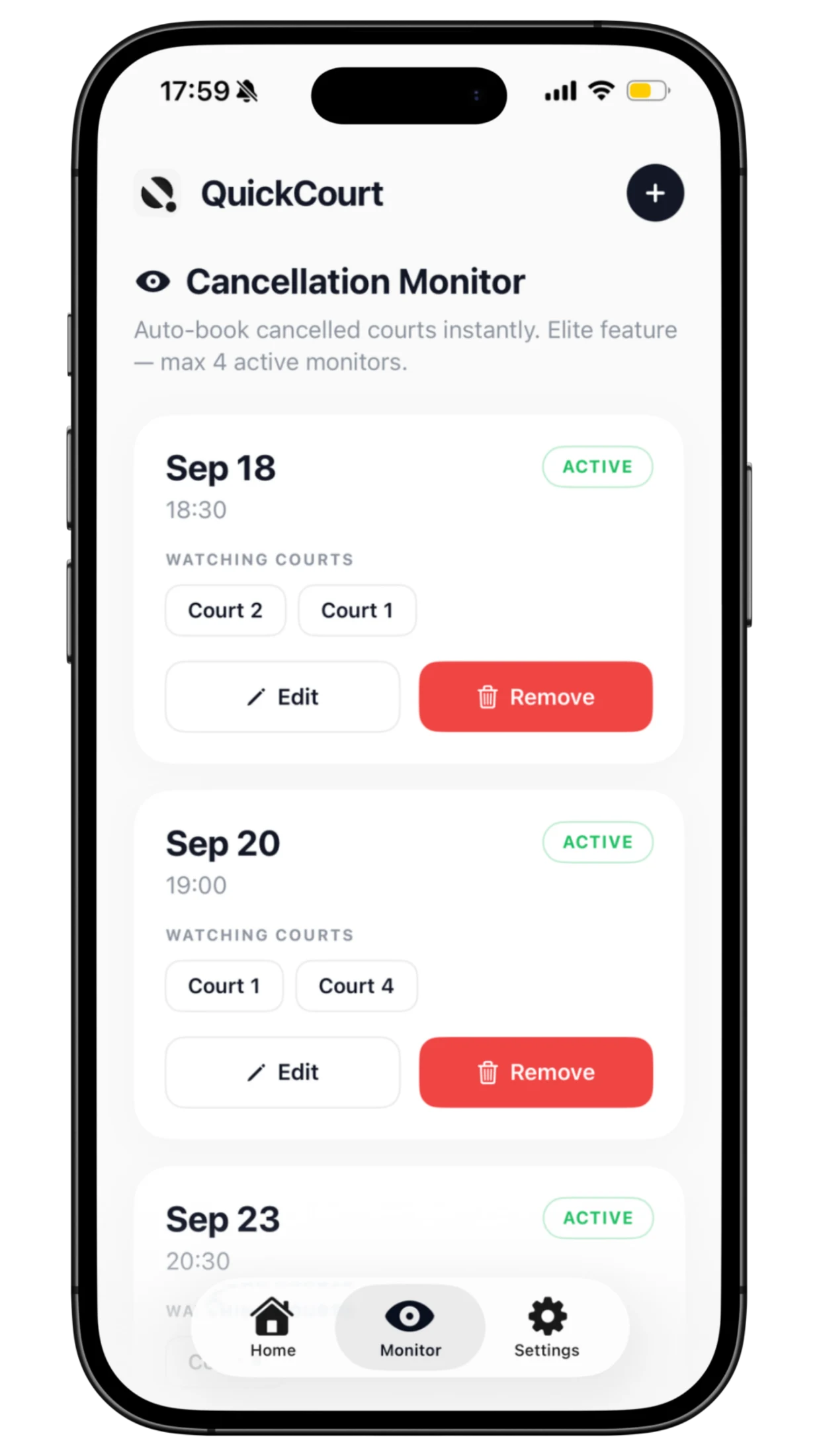
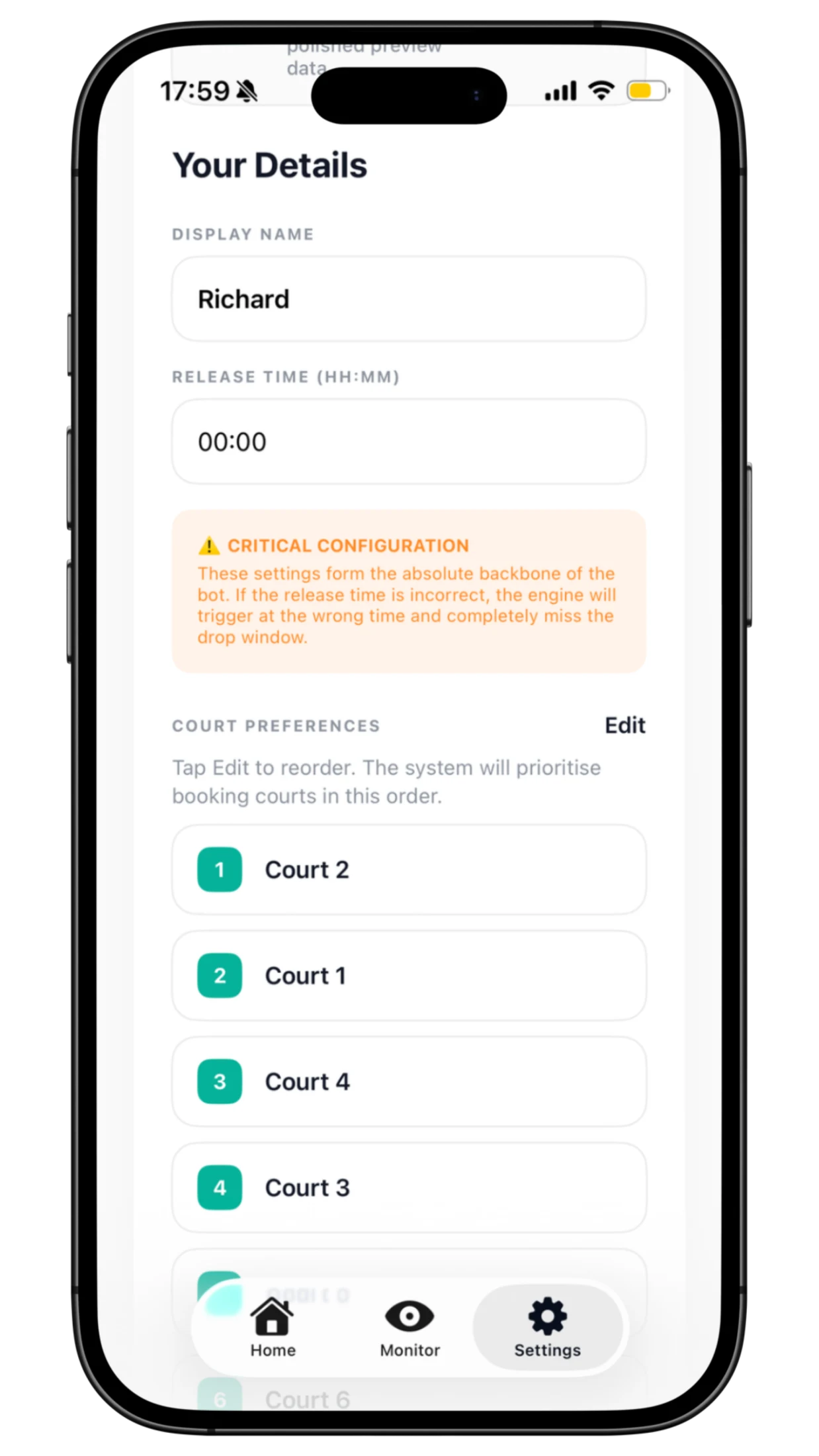
Players can create and adjust missions, monitor cancellation opportunities and rank preferred courts with sensible fallbacks. The booking engine tries the strongest option first, then works through the order selected by the customer.
04
Marketing site · pricing · account route
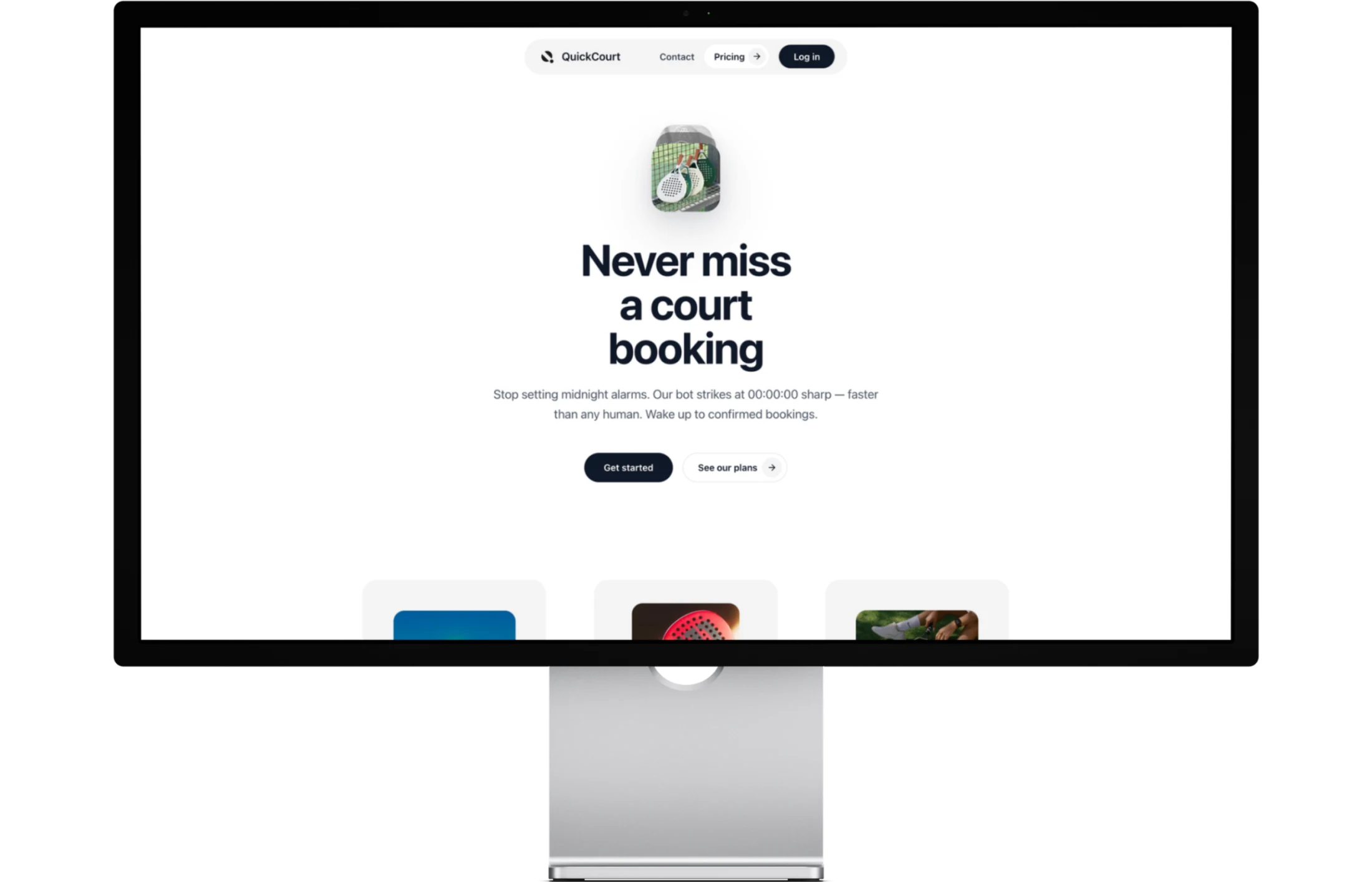
The public site starts with the real frustration: courts disappear fast and nobody wants to set alarms or refresh a booking page all evening. It introduces QuickCourt as a more prepared way to book.
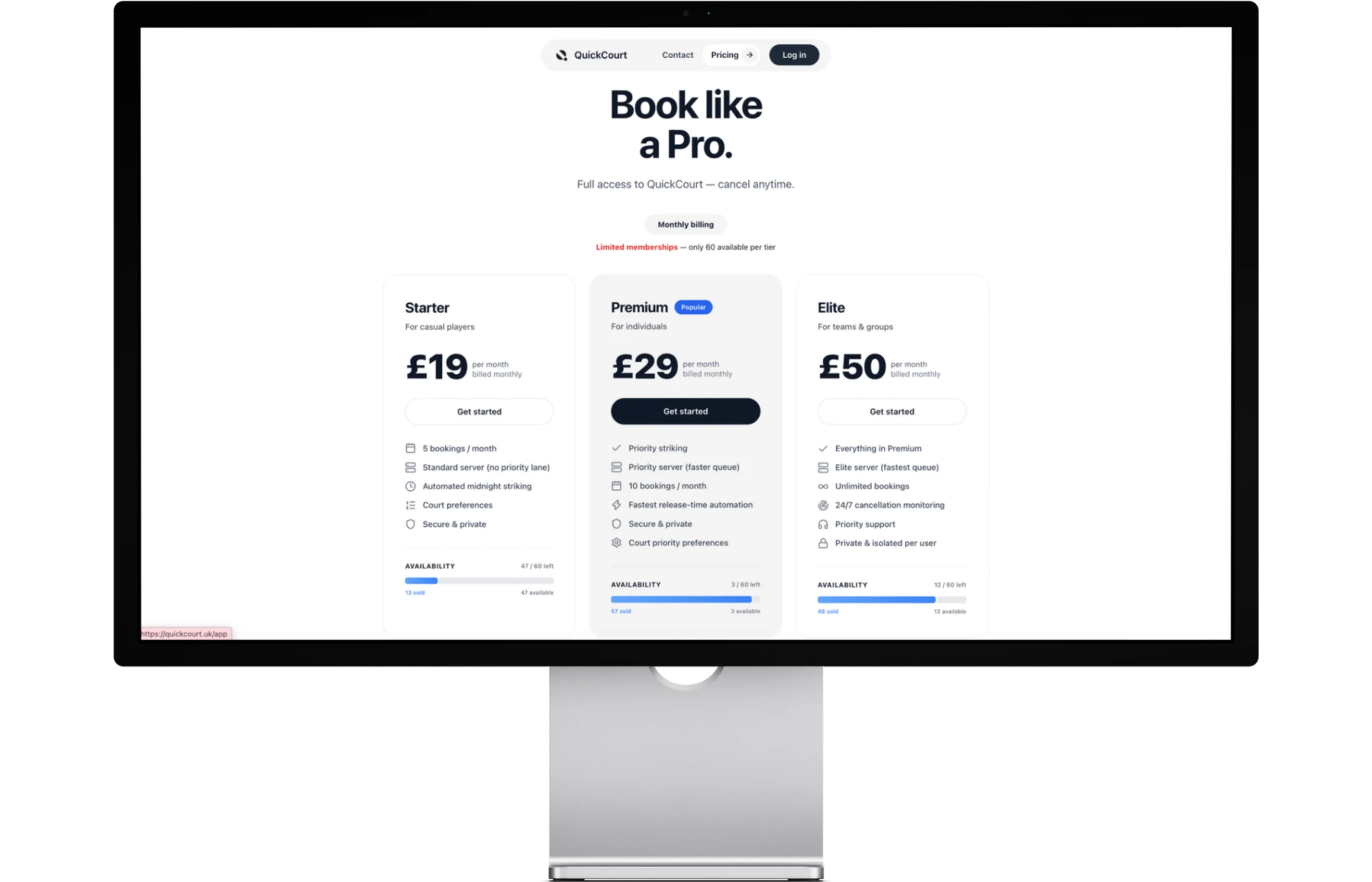
How-it-works and pricing pages then give people the detail they need to understand missions, choose an access level and begin.
Set the date, time and court preference before availability opens.
Use cancellation monitoring and a visible activity trail to stay informed.
Manage the same missions from Mission Control or the native iPhone app.
The public story, the booking system and the native app.